

At EayTools, we believe artificial intelligence should feel less like a mysterious black box and more like a capable teammate — one who handles the grind so you can focus on the work that actually matters. Our AI-powered tools don’t aim to dazzle you with complexity. They aim to quietly lift the weight off your daily tasks, then step aside.
▶ PDF Tools
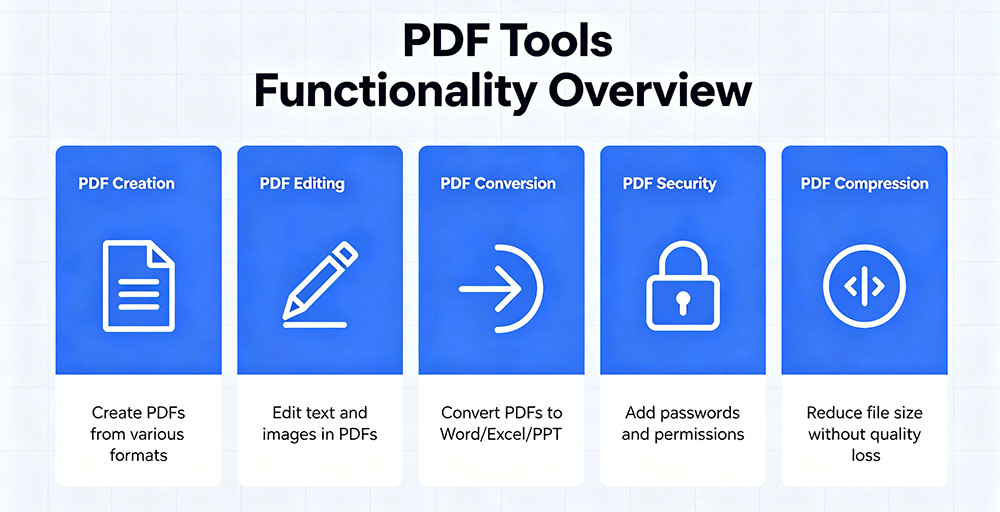
Documents shouldn’t be dead ends. EayTools’ PDF toolset gives you full command over your files — split, merge, compress, convert, and extract pages in seconds. The software handles scanned PDFs with OCR-powered text recognition, letting you turn static images into searchable, editable documents. Need a contract signed? Built-in e-signature support closes deals without printing a single page. From format conversion to page-level edits, every function runs directly in your browser with no upload delays and no file size headaches.
▶ Image Tools
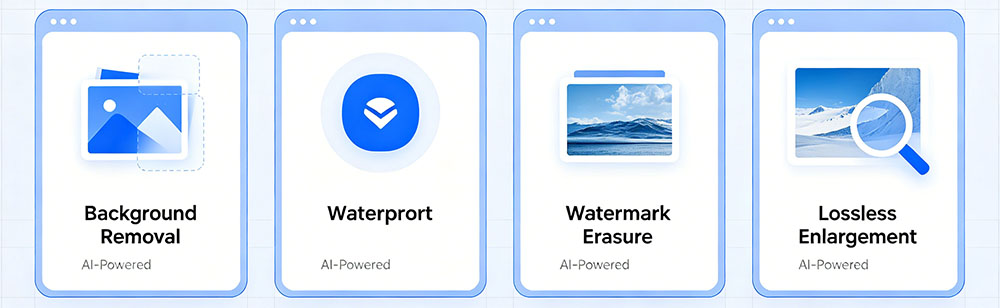
Visual content shouldn’t require a design degree. EayTools’ image toolkit covers the full spectrum — crop, resize, rotate, and convert between formats with one-click simplicity. The AI-driven background remover isolates subjects in seconds, while the smart compression engine shrinks file sizes without visible quality loss. Whether you’re preparing product photos, social media assets, or presentation graphics, the tools handle HEIC, WebP, SVG, and all major formats natively. Batch processing means you edit dozens of images as easily as one.
▶ Text Clean & Format Tools
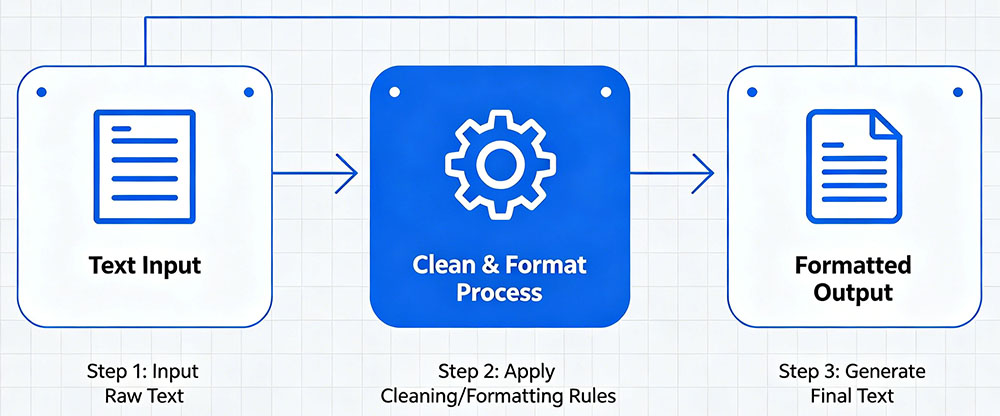
Messy text slows everything down. EayTools’ text cleaning suite scrubs, structures, and standardizes your content instantly. Strip extra spaces, fix broken line breaks, convert case, remove HTML tags, sort lines, and extract emails or URLs — all without manual editing. The AI-powered formatter handles JSON, CSV, and markdown cleanup, while the diff checker highlights changes between text versions in a glance. It’s like a power-wash for anything text-based, ready when you paste and done before you blink.
▶ Backup Tools
Your data shouldn’t live on a prayer. EayTools’ backup solutions provide automated, versioned protection for your critical files and folders. Set custom schedules, choose local or cloud destinations, and let the software handle incremental backups that save only what changed — maximizing speed and minimizing storage use. One-click restore puts everything back exactly where it belongs, with file-level granularity so you never roll back more than you need to. Encryption keeps your backups secure whether they sit on your drive or in the cloud.
▶ Screenshot & Annotate Tools

Capture, mark up, and share — faster than a meeting invitation. EayTools’ screenshot tool grabs full screens, specific windows, or custom regions with keyboard-shortcut speed. The built-in annotation layer lets you add arrows, text, highlights, blur sensitive information, and draw attention exactly where it matters, all before saving. Export to PNG, JPG, or PDF, or copy directly to your clipboard for instant sharing. It’s the communication tool that replaces five paragraphs of explanation with one perfectly marked-up image.
Just like everything we build at EayTools, these solutions follow the same promise — open instantly, do the job, and get out of your way. No lengthy onboarding. No bloated dashboards. Just focused, feature-rich tools making a measurable difference, powered by intelligence that knows when to step in and when to step back.
