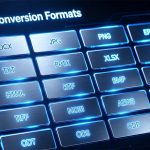

PDF has become the mainstream file format in the fields of study, design, and content creation due to its stability, but the pain points of different user groups vary: students want to convert literature PDFs into editable documents to organize notes; designers need to extract high-definition materials from PDFs and export print-grade images; digital creators want to make PDFs into EPUB e-books; self-media bloggers want to convert PDF content into images for use in tweet illustrations…
Today, I will share a treasure tool that adapts to multiple user groups and scenarios — EayTools PDF Converter. With its four advantages of offline security, complete formats, lossless image quality, and batch processing, it has become a powerful assistant for study, design, and content creation. Next, combined with different usage scenarios, I will explain its practical value in detail.
Scenario 1: Students & Academics, Handle Literature, Notes, and Thesis Editing
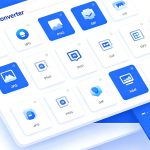
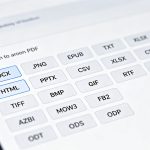
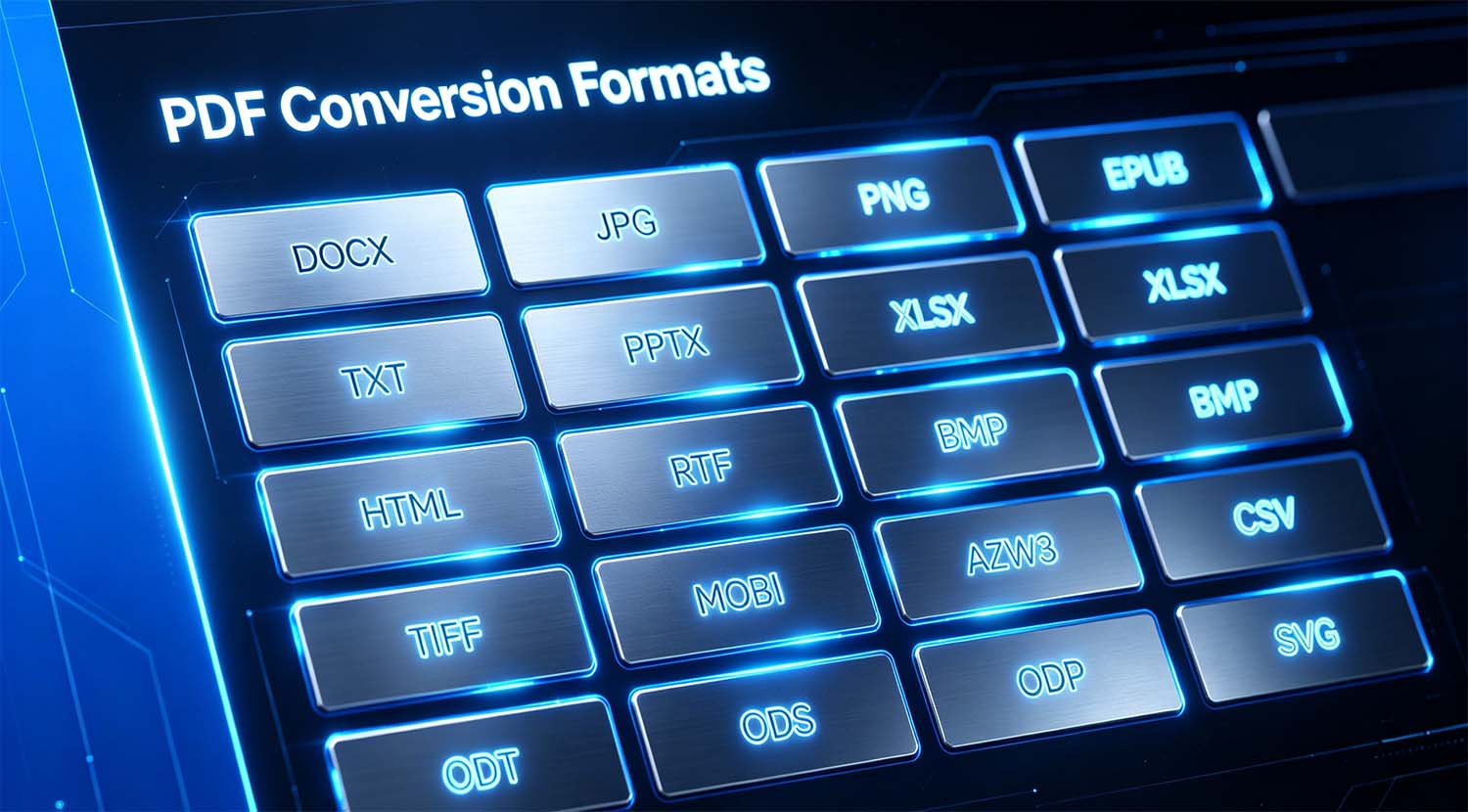
When accessing academic journals, course materials, and graduation theses, PDF files cannot be directly edited and copied, making manual transcription extremely inefficient. EayTools PDF Converter can quickly convert PDFs into editable formats such as DOC, DOCX, TXT, RTF, so that literature transcription, note organization, and thesis modification are no longer restricted.
The original text’s layout, formulas, and text formats are completely retained after conversion, eliminating the need for secondary adjustments. When faced with large quantities of courseware and literature materials, use the batch conversion function to process them with one click, saying goodbye to repeated operations on single files and helping to improve the efficiency of study and academic research. The free trial version is sufficient to meet the needs of daily small-quantity file conversion, allowing you to experience core functions at zero cost.
Scenario 2: Designers, Losslessly Extract High-definition Visual Materials from PDFs
Graphic designers and visual creators often receive design drafts and material catalogs in PDF format, from which they need to extract images for secondary creation. Ordinary conversion tools easily compress image quality and lose details when exporting images, but this tool supports converting PDFs to multiple image formats such as JPG, PNG, TIFF.
Especially the TIFF format, which has ultra-high resolution, is perfectly suitable for professional design scenarios such as printing, posters, and exhibition boards, restoring the original color and clarity of PDF images 1:1. The feature of running purely offline can also protect original design drafts and unpublished works from being leaked, taking into account both image quality and copyright security.
Scenario 3: Digital Creators & Self-media, Play with E-books and Content Distribution
For e-book producers and self-media operators, the PDF format lacks flexibility, which is not conducive to cross-device dissemination. EayTools PDF Converter supports one-click conversion of PDFs to EPUB standard e-book format, which can adapt to different screen sizes of mobile phones, tablets, and e-readers, providing readers with a better reading experience.
At the same time, you can also batch convert PDF content into image formats for use in illustrations for official accounts, Xiaohongshu, and short video copy; convert to formats such as MHT and EML to adapt to email push and content distribution scenarios. One source file can be output in multiple forms, broadening the channels for content dissemination.
Core Advantage Replay: Safe, Worry-free, and Highly Adaptable
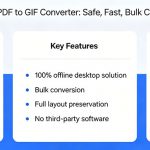
- Local Offline Operation, Safe and Risk-free: All file processing is done locally, with no online uploads. Study materials, original design drafts, and original content can all be effectively protected, preventing data leakage.
- Complete Detail Retention, Zero Loss Conversion: Text, images, links, forms, and bookmarks are all retained as they are, with no layout chaos or image quality reduction.
- Flexible Import, Targeted Conversion: Supports single-file and entire-folder import, and you can manually check the box to filter files for precise conversion of target content.
- Low Configuration, High Compatibility: The volume is only 62.9MB, with small memory 占用. It is compatible with all mainstream Windows devices, and both home computers and laptops can run it smoothly.
Version Selection Guide, Cost-effective Matching on Demand
- Personal Light Use (Students, Occasional Conversion): Choose the Free Trial Version, which allows you to convert 5 files and experience all formats and functions, meeting the needs of daily study and small-quantity material processing.
- Long-term High-frequency Use (Designers, Self-media, Office Teams): Get the Official Version, which unlocks unlimited batch conversion and watermark removal for $4.99. Combined with the 30-day money-back guarantee, it offers great cost-effectiveness for long-term use.
Whether you are a student, a creative designer, a content creator, or an office worker, as long as you frequently deal with PDFs, this all-round converter can accurately solve your format problems. Simple operation, powerful functions, and reliable security allow PDFs to no longer be limited to “read-only archiving”, fully exploring the use value of documents.