
In daily office work, PDF is undoubtedly one of the most frequently used document formats. Its fixed layout and stable transmission make it ideal for external sharing and archiving. However, challenges such as the inability to edit directly, format incompatibility, and difficulties with batch processing often leave office workers feeling stuck. Want to modify text in a PDF but can only view it in read-only mode? Need to insert a PDF into an email, create an e-book, or export high-definition images, only to end up with garbled formatting after trying multiple tools? Concerned about data leaks when using online tools to convert confidential business documents?
If you are also frustrated by these PDF pain points, here is a professional, secure, and fully-featured tool I recommend today — EayTools PDF Converter, an offline PDF conversion solution designed specifically for Windows systems. It fundamentally addresses the entire process of document conversion, editing, reuse, and sharing.
All-Format Coverage to Meet Diverse Office Needs
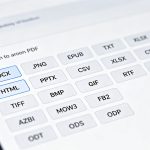
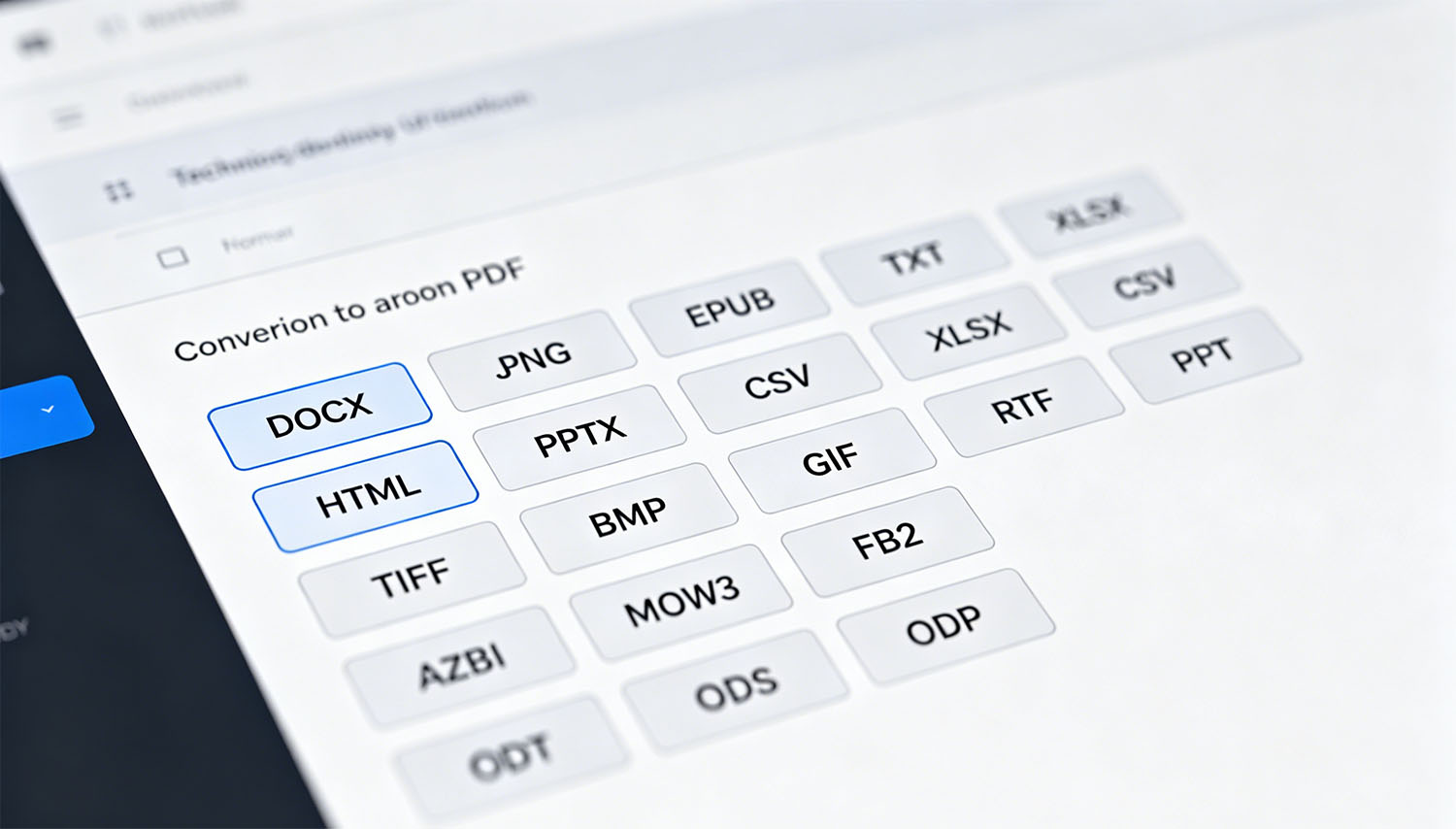
Unlike single-function conversion tools, EayTools PDF Converter supports converting PDFs to 19 mainstream formats, covering five categories: documents, images, emails, e-books, and office formats, fully adapting to different work scenarios:
- Editable Documents: DOC, DOCX, TXT, RTF. Easily modify PDF text and re-edit content. Papers, contracts, and reports can all be adjusted freely.
- High-definition Images: JPG, PNG, GIF, BMP, TIFF, EMF. Design illustrations, online promotions, and document printing can all retain the original image quality.
- Email-specific: EML, MSG, PST. Perfectly compatible with email clients like Outlook, enabling seamless integration of PDF content with office email.
- E-books & Special Formats: EPUB, XPS, OXPS, MHT. Meets the needs of digital publishing, cross-device reading, and special office format usage.
No need to install additional third-party software like Adobe Acrobat. The software runs independently and can be used directly after download and installation, reducing the footprint of redundant programs on office devices.
Offline Secure Conversion to Protect Confidential Document Privacy
For corporate finance, administration, and business personnel, data security is the top priority when handling PDF files such as contracts, reports, and confidential plans. Most online PDF conversion tools on the market carry the risk of data upload, which can easily lead to file leaks.
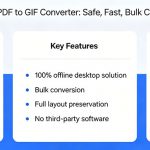
EayTools PDF Converter is a pure offline local conversion tool. All file processing is done locally on your computer, with no internet connection or file uploads throughout the process, ensuring 100% security for confidential documents. At the same time, the conversion process completely retains the original details of the PDF, with no loss of text, fonts, images, hyperlinks, forms, bookmarks, etc. The layout and typography are highly consistent with the source file, eliminating post-conversion issues like garbled characters, misalignment, and blurry image quality.
Batch Efficient Processing to Significantly Reduce Repetitive Workload
Faced with dozens or hundreds of PDF files that need to be converted uniformly, manual operation one by one is time-consuming and laborious. This tool is equipped with a powerful batch conversion function, with no file size or quantity limits. It supports two import modes: adding individual PDFs separately or directly loading entire folders, adapting to both scattered files and large batches of files.
After importing the files, you can also use the checkbox to filter target documents, accurately skipping files that do not need to be converted, and achieving targeted conversion. The output path also supports customization, which is saved to the desktop by default, or you can choose the original folder or a custom local directory, making file organization clear at a glance. The whole operation is simple and intuitive, and even beginners can get started in one minute.
Adaptable to Multiple Windows Versions, with Flexible Trial + Official Version Options
The software is compatible with all mainstream Windows systems, including Win7/8/10/11 (32/64-bit) and various Windows Server versions. Both office computers and enterprise servers can run it stably. The hardware threshold is low, requiring a minimum of only 4GB of memory and a 1GHz processor. Ordinary office computers can run it smoothly.
Currently, the software offers trial and official versions: The free trial version allows you to experience all 19 conversion formats, batch import, custom paths, and other core functions. You can convert 5 files at a time, and the converted files will be watermarked. The official version costs only $4.99, unlocking unlimited batch conversion, watermark removal, and all full permissions, with great cost-effectiveness. At the same time, the platform promises a 30-day money-back guarantee, so you can buy with confidence.
From document editing and image extraction to email adaptation and e-book creation, EayTools PDF Converter seamlessly connects all PDF usage scenarios in one stop. Whether you are a white-collar worker, a design practitioner, or a corporate office team, it is an essential tool to improve document processing efficiency. Say goodbye to inefficient struggles, simplify your PDF workflow with professional tools, and leave more time for core work!