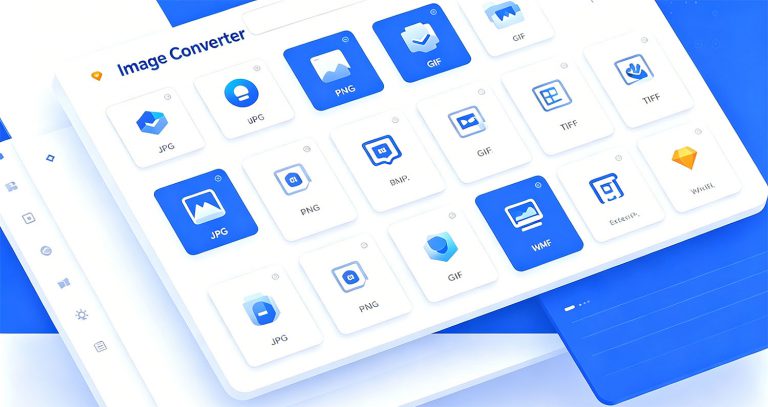
EayTools Image Converter is a powerful, user-friendly desktop application built for converting image files across a wide range of formats. Whether you need to batch-process photos, resize images, or adapt files for web, print, or mobile use, this tool delivers a complete solution with professional-grade output quality. Key Features Batch Conversion: Convert multiple images or entire folders in a single operation 10 Output Formats: JPG, PNG, BMP, GIF, TIFF, WebP*, ICO, DIB, EMF*, WMF* 15+ Input Formats: JPG, JPEG, JFIF, PNG, BMP, GIF, TIFF, TIF, WebP, EMF, WMF, ICO, DIB, HEIF, HEIC Note: WebP output is currently saved as PNG format. EMF and WMF output formats are under active development. Customizable Quality: Adjust image quality from 1% to 100% Resolution Control: Set output resolution anywhere from 72 DPI to 600 DPI Multi-language Support: English, Chinese, German, French, Spanish, Russian Auto Language Detection: Automatically matches your system language on startup Smart …
1. Product Overview 1.1 What Is EayTools Word Converter? EayTools Word Converter is a lightweight, high-performance native Windows desktop utility exclusively built for converting Word documents. It fully supports legacy .doc (Word 97–2003) and modern .docx (Word 2007 and later) source files, with industry-leading layout retention technology to eliminate format distortion, missing text, broken tables, displaced embedded images, header/footer loss or hyperlink failure after conversion. Designed with a clean, minimalist Windows-native graphical interface, it drastically simplifies single-file quick exports, bulk batch processing and full-folder automatic scanning workflows. Unlike most competing conversion software that locks advanced functions behind paywalls, embeds watermarks, enforces conversion quotas or requires mandatory account registration, EayTools Word Converter unlocks every single professional feature permanently for free, with zero hidden fees, usage caps or functional limitations. 1.2 Target User Scenarios This tool fits all groups with regular Word conversion demands: Office staff: Convert contracts, reports and meeting minutes …
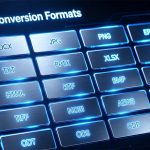
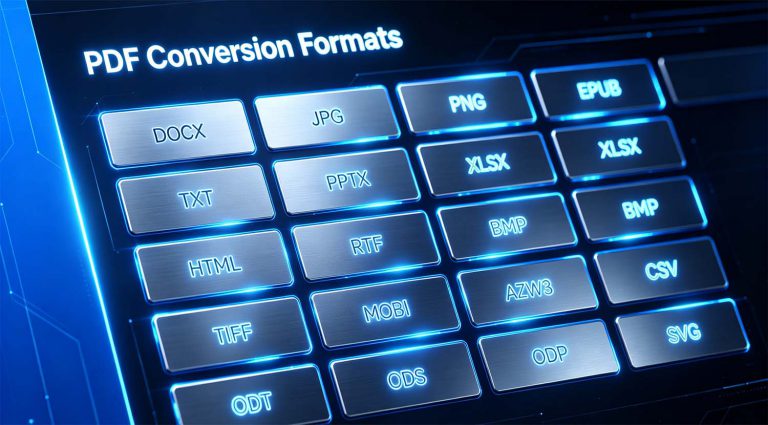
Table of Contents EayTools PDF Converter is a powerful and versatile desktop application designed to convert PDF files into various popular formats. Built on .NET Framework 4.8 with DevExpress UI components, it provides an intuitive and professional user experience. For more information, visit: https://www.eaytools.com Key Features Multiple Output Formats: Convert PDFs to DOCX, DOC, HTML, TXT, RTF, PDF, JPG, PNG, BMP, GIF, TIFF, EML, MSG, PST, XPS, OXPS, MHT, EMF, and EPUB formats. Batch Conversion: Convert multiple PDF files simultaneously with just a few clicks. Folder Processing: Add all PDF files from a folder at once, including subfolders. Image Quality Control: Adjust image resolution (72-600 DPI) and quality (10-100%) for image-based conversions. Multi-Language Interface: Supports English, Chinese, German, French, Spanish, and Russian. 7-Day Free Trial: Try all premium features for 7 days before purchasing. Microsoft Store Integration: Secure purchase and license management through Microsoft Store. Getting Started System Requirements ComponentRequirementOperating …
PDF has become the mainstream file format in the fields of study, design, and content creation due to its stability, but the pain points of different user groups vary: students want to convert literature PDFs into editable documents to organize notes; designers need to extract high-definition materials from PDFs and export print-grade images; digital creators want to make PDFs into EPUB e-books; self-media bloggers want to convert PDF content into images for use in tweet illustrations… Today, I will share a treasure tool that adapts to multiple user groups and scenarios — EayTools PDF Converter. With its four advantages of offline security, complete formats, lossless image quality, and batch processing, it has become a powerful assistant for study, design, and content creation. Next, combined with different usage scenarios, I will explain its practical value in detail. Scenario 1: Students & Academics, Handle Literature, Notes, and Thesis Editing When accessing academic …
In daily office work, PDF is undoubtedly one of the most frequently used document formats. Its fixed layout and stable transmission make it ideal for external sharing and archiving. However, challenges such as the inability to edit directly, format incompatibility, and difficulties with batch processing often leave office workers feeling stuck. Want to modify text in a PDF but can only view it in read-only mode? Need to insert a PDF into an email, create an e-book, or export high-definition images, only to end up with garbled formatting after trying multiple tools? Concerned about data leaks when using online tools to convert confidential business documents? If you are also frustrated by these PDF pain points, here is a professional, secure, and fully-featured tool I recommend today — EayTools PDF Converter, an offline PDF conversion solution designed specifically for Windows systems. It fundamentally addresses the entire process of document conversion, editing, …
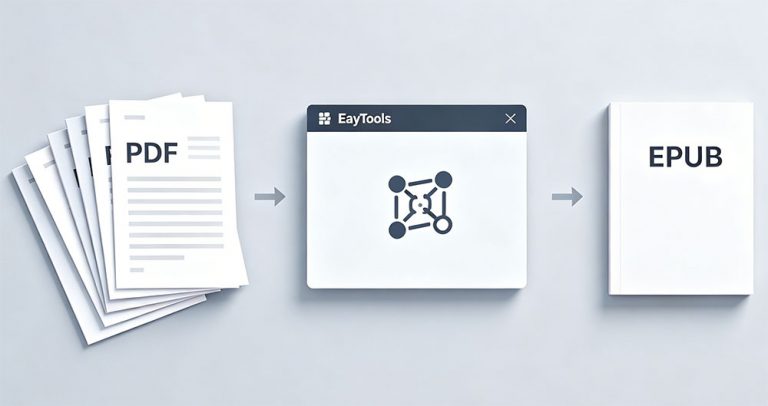
Blog Summary: Manual PDF to EPUB conversion often breaks formatting, takes excessive time, and risks data privacy. This guide introduces EayTools PDF to EPUB Converter — a 100% offline desktop tool that converts single or multiple PDFs to clean, readable EPUB eBooks while preserving layout, fonts, images, and hyperlinks with zero third‑party software required. Why Convert PDF to EPUB? PDFs are great for sharing fixed-layout documents but are not optimized for e-readers or mobile reading. EPUB solves this with these key benefits: Reflowable text: Automatically fits any screen size on phones, tablets, and e-readers. Adjustable fonts: Resize text easily for comfortable reading. E-reader optimized: Perfect for Kindle, Kobo, Apple Books, and other devices. Night mode support: Reduces eye strain during nighttime reading. Interactive navigation: Clickable table of contents, chapters, and bookmarks. Smaller file size: Faster downloads and less storage usage. Faster loading: Optimized for smooth digital reading experiences. Pre-requisites Before …
Blog Summary: Manual PDF to DOCX conversion is slow, risky, and often loses formatting. This guide introduces EayTools PDF to DOCX Converter — a 100% offline desktop tool that converts single or multiple PDFs to fully editable DOCX files quickly, safely, and without third‑party software. Why Convert PDF to DOCX? DOCX is fully editable; PDF is meant mainly for viewing. Word offers rich formatting tools for fonts, styles, and layouts. Easy to copy, paste, and rearrange content without errors. Ideal for team collaboration and real‑time editing. Flexible document structure for ongoing updates. Prerequisites Your PDF files saved locally. A reliable offline converter for privacy and accuracy. A Windows PC with enough storage space. Basic file handling knowledge. Manual Methods to Convert PDF to DOCX 1. Using Microsoft Word Open Microsoft Word. Go to File → Open → Browse and select your PDF. Click OK when Word prompts to convert the …
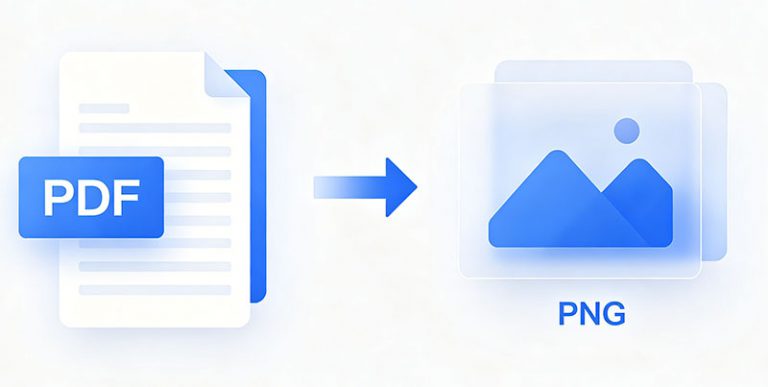
Blog Summary: Manual PDF‑to‑PNG methods are slow, error‑prone, and not suitable for bulk jobs. This guide introduces EayTools PDF to PNG Converter—a 100% offline desktop tool that converts single or multiple PDFs to high‑quality PNG images quickly, safely, and without third‑party software. What Are PDF and PNG Formats? PDF (Portable Document Format) A fixed‑layout file developed by Adobe that preserves text, fonts, images, and layout across all devices and platforms. Ideal for sharing and printing but not always ideal for quick image previews. PNG (Portable Network Graphics) A lossless raster image format supporting high color depth and transparency. Perfect for web graphics, screenshots, and clean image previews. PNG files retain quality after repeated saves and work seamlessly on websites, social media, and mobile. Why Convert PDF to PNG? Lossless quality: No quality loss during compression or re‑saving. Transparency support: 256 levels of opacity for flexible design use. High color range: …